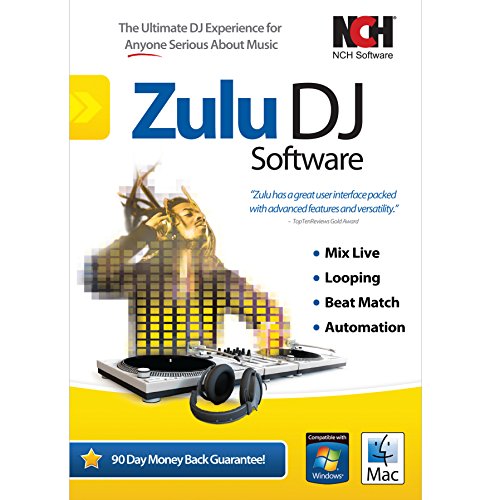
Zulu DJ Software – Complete DJ Mixing Program for Professionals and Beginners [Download]
This post contains affiliate links. As an Amazon Associate I earn from qualifying purchases Zulu is professional DJ mixing software for Windows PCs. Mix and broadcast live music, audio and Mp3s. When loading a music track onto a deck it will automatically scan the file for a beat and assign a beat per minute (BPM).
This post contains affiliate links. As an Amazon Associate I earn from qualifying purchases
Zulu is professional DJ mixing software for Windows PCs. Mix and broadcast live music, audio and Mp3s. When loading a music track onto a deck it will automatically scan the file for a beat and assign a beat per minute (BPM). AutoPlay mode will change the tempo in the second deck for perfect synchronization and a seamless crossover. Drag and drop music into and around Zulu’s interface and preview an upcoming track through headphones via a secondary audio output. Apply effects on the fly and more.
Zulu professional DJ mixing software features include crossfade between two tracks, automatic beat detection, automatic synchronization between the decks based on BPM and more. Zulu supports a large number of audio formats including wav, mp3, vox, gsm, real audio, au, aif, flac, ogg and many more.
With Zulu, you can change the pitch in real time of each track, slow it down or speed it up to manually sync it with the other tracks. Add a cue pointer marker at any point in a track to instantly start playing the track from that point. Loop sections within a track and synchronize that loop to the BPM. Real time equalization on each Deck (track) including “kill” buttons for instant EQ.
Apply effects in real-time to a track as you DJ. Effects include Distortion, High Pass Filter, Reverb, Phaser, Flanger and Delay. Separate output for headphones. Simple and intuitive user interface for day-to-day operation.
This product download includes a product activation code that should be used to activate your software at http://www.nch.com.au/activate/index.html. This product activation and registration must be done in order for your product to be permanently licensed for use – registration is completed using the File>Register option within the product interface.
To take advantage of the included Platinum technical support and 2 year product upgrade warranty for Amazon customers only, please visit http://www.nchsoftware.com/support/amazonsupport.html.
System Requirements:Supported OS: [Windows 8, Windows 7, Windows Vista, Windows XP]Processor: Celeron 2.1RAM: 512mb RAMHard Disk: 100mbVideo Card: 16mb video
Product Features
- Easily cross fade between tracks, apply real-time pitch and tempo adjustment
- Auto-play mode for hands-free, seamless music mixing
- Supports mp3, wav and all other popular audio formats
- Automatic beat detection and beat synchronization between the decks
- Apply effects in real-time, including all popular effects like distortion and reverb
This post contains affiliate links. As an Amazon Associate I earn from qualifying purchases