This post contains affiliate links. As an Amazon Associate I earn from qualifying purchases
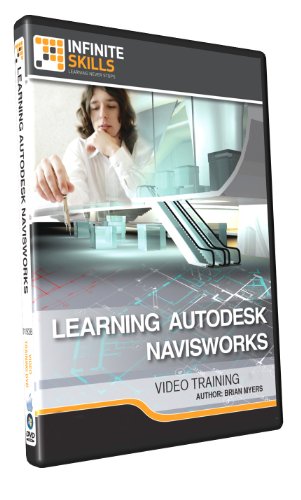
In this Navisworks 2015 training course, expert author Brian Myers teaches you everything you need to know to work in this powerful Autodesk software. This course is designed for the absolute beginner, meaning no prior experience with Navisworks is required. You will start by touring the user interface, learning how to merge projects, refresh and delete files, select objects, and more. Brian will then teach you about the most commonly used tools, showing you how to hide objects, compare models, and move objects. This video tutorial will teach you how to conduct a clash test, add tasks to the TimeLiner, and create and render animations. Finally, you will learn how to edit and export your animations.
This post contains affiliate links. As an Amazon Associate I earn from qualifying purchases