This post contains affiliate links. As an Amazon Associate I earn from qualifying purchases
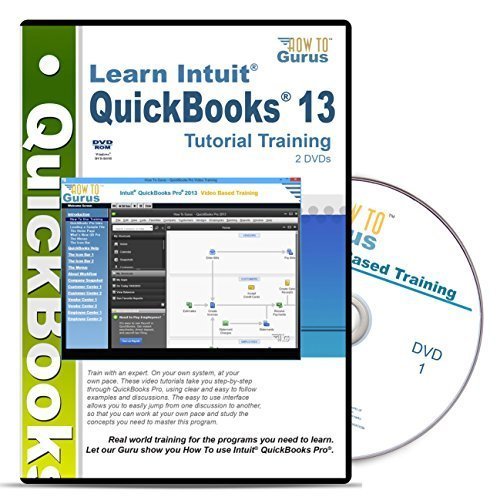
Our tutorial is complete training for Intuit QuickBooks Pro 2013. We demonstrate all of the tools and processes you will need to create your own professional level Intuit QuickBooks Pro 2013 accounting files. We do this using actual examples allowing you to learn the correct techniques and good practices needed for today’s market. The training is broken down into easy to follow sections, starting with a basic introduction to Intuit QuickBooks Pro 2013 (including a look at the new features) and then moving onto more advanced lessons and topics. As you follow along, you learn by doing, mastering the programs at your own pace. You are provided with a dynamic educational tool – an information rich resource you can refer to again and again. Sections include: • Introduction • QuickBooks Pro Help • The Icon Bar 1 • The Icon Bar 2 • The Menus • Understanding Workflow • Company Snapshot • Customer Center part 1 • Customer Center part 2 • Vendor Center • Employee Center • Report Center part 1 • Report Center part 2 • Report Center part 3 • Report Center part 4 • More Activities • Additional QuickBooks Services • Creating a New Company File • File-Utilities • Other File Tasks • Fast Answers 1 • Fast Answers 2 • Preferences 1 • Preferences 2
This post contains affiliate links. As an Amazon Associate I earn from qualifying purchases